

Introduction

Front-end development involves building the user-facing part of websites and applications, including the layout, design, and interactivity. Because it directly impacts user experience, even small bugs in the front-end can lead to broken layouts, malfunctioning features, and frustrated users. Understanding common front-end bugs and knowing how to fix them is essential for every developer. Below are some of the most frequently encountered front-end issues and their solutions.
1. Cross-Browser Compatibility Issues

The Bug: A website looks and behaves differently in various browsers such as Chrome, Firefox, Safari, or Edge.
The Fix:
- Use CSS resets or normalize styles with libraries like normalize.css.
- Test the application across multiple browsers during development.
- Use feature detection instead of browser detection. For example, use Modernizer to detect support for HTML5/CSS3 features.
- Avoid relying on vendor-specific prefixes; use tools like Auto pre fixer to handle this automatically.
2. Broken or Unresponsive Layouts
The Bug: Page elements appear misaligned or the layout breaks on different screen sizes.
The Fix:
- Use responsive design principles, such as flexible grids (like CSS Flexbox or Grid) and relative units (%, em, rem) instead of fixed pixels.
- Always include media queries to adapt layout to various devices.
- Check for overflow issues and ensure containers are properly defined and sized.
3. Incorrect or Missing Assets (Images, Fonts, CSS/JS Files)

The Bug: Images don’t load or custom fonts aren’t displaying.
The Fix:
- Double-check file paths and ensure that asset references are correct, especially when working with build tools or changing directories.
- Make sure resources are uploaded to the server and not blocked by file permissions or CORS (Cross-Origin Resource Sharing) issues.
4. JavaScript Not Working or Throwing Errors
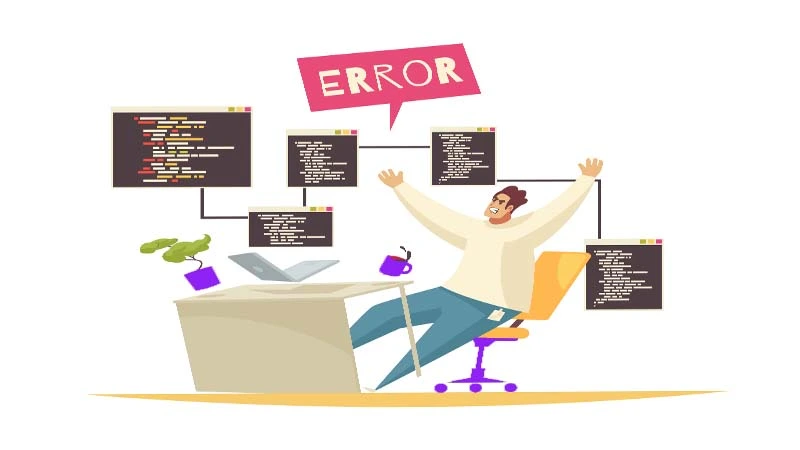
The Bug: A button or interactive feature doesn’t work, or errors show up in the console.
The Fix:
- Use the browser console to identify and debug the exact error message.
- Make sure your script is loaded after the DOM is ready. Use defer, async, or event listeners like DOM Content Loaded.
- Always validate syntax, and use a linter (e.g., ES Lint) to catch common mistakes.
5. Form Validation Issues

The Bug: Forms submit with invalid data, or validation messages don’t appear correctly.
The Fix:
- Use built-in HTML5 validation attributes like required, type=”email”, and min length.
- Always include server-side validation in addition to client-side checks for security.
6. Slow Page Load Times
The Fix:
- Optimize images by compressing and using appropriate formats (like Web P).
- Minimize and bundle CSS/JS files using tools like Webpack or Gulp.
- Use lazy loading for images and videos.
- Enable browser caching and use a Content Delivery Network (CDN) for static resources.
7. Z-Index and Stacking Context Conflicts
The Bug: Modals, dropdowns, or tooltips appear behind other elements.
The Fix:
- Avoid excessive nesting and use isolation techniques like position: relative or transform: translate Z(0) to create new stacking contexts.
Conclusion
Front-end bugs are inevitable but manageable with the right approach. A combination of thorough testing, good coding practices, and the use of developer tools can help identify and resolve most common issues. Whether it’s a layout glitch or a JavaScript error, understanding the root cause and applying structured fixes ensures a smoother user experience and more maintainable codebase.
FAQ’s
Which are typical front-end bugs?
What is my approach to the debugging of JavaScript errors?
So what does cause CSS layout issues?
What do I do about browser compatibility?
What are the tools used in identifying front-end bugs?